
Website URL
Phone Call
SMS Message
Email Draft
Digital Contact Card
PDF Document
Click to upload or drag & drop
PDF max size: 1MB
Quick Presets
Live Preview
Press save to store in your account
How to create a free QR Code in 3 simple steps
Choose your QR Code type
Select your QR type based on what you want it to do: share a Link, make a Phone call, send an SMS, draft an Email, share a vCard, or display a PDF.
Customize it your way
Adjust the colors, change the QR pattern and shape, upload your custom brand logo, and watch it update instantly in the live preview.
Download or Save
Export your high-resolution QR Code in PNG, JPG, or SVG format, or save it to your account dashboard to access later!
Transform Your Dining Experience With Contactless Menus
Complete SaaS workspace designed for Hotels, Restaurants, and Cafes. Create interactive digital menus, select luxury templates, print dual-QR table stands, and capture analytics.
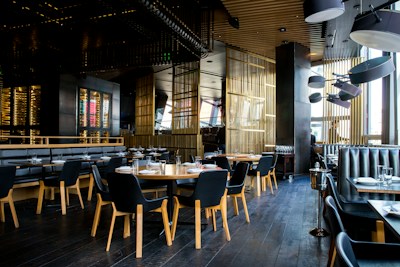
Elite Hotel & Cafe
Luxury Dining & Premium Hospitality
Indulge in a premium gastronomic journey featuring traditional artisan flavors and elegant tandoori masterworks.
Starters
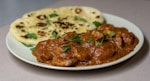
Paneer Tikka Shaslik
Charcoal grilled cottage cheese marinated in gold spices
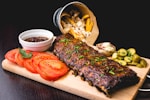
Smoked Chicken Wings
Slow hickory smoked wings tossed in fiery honey sauce
Modern Branding and Management Suite
Say goodbye to static, boring PDF menus. Build fully interactive menus with curated aesthetics that represent your premium brand. Complete with translations, table card stand layouts, and detailed traffic analytics.
3 Designer Preset Themes
Luxury Gold & Black, Minimalist Modern, and warm Premium Cafe Brown. Adapt background layouts, color accents, and styling details.
Instant Hindi Toggle
Serve localized guests efficiently. Fluid, instant translations between English and Hindi powered in the DOM with micro-animations.
Printable Dual-QR Flyers
Download custom table stands with a large Menu QR code and a small Google Review QR, displaying WiFi and timings beautifully.
Hourly Peak dining analytics
Track scan trends, returning visitor ratios, device models, and category click metrics with interactive Chart.js exports.
The Ultimate QR Platform
Create, design, and manage your QR codes with professional tools and real-time analytics.
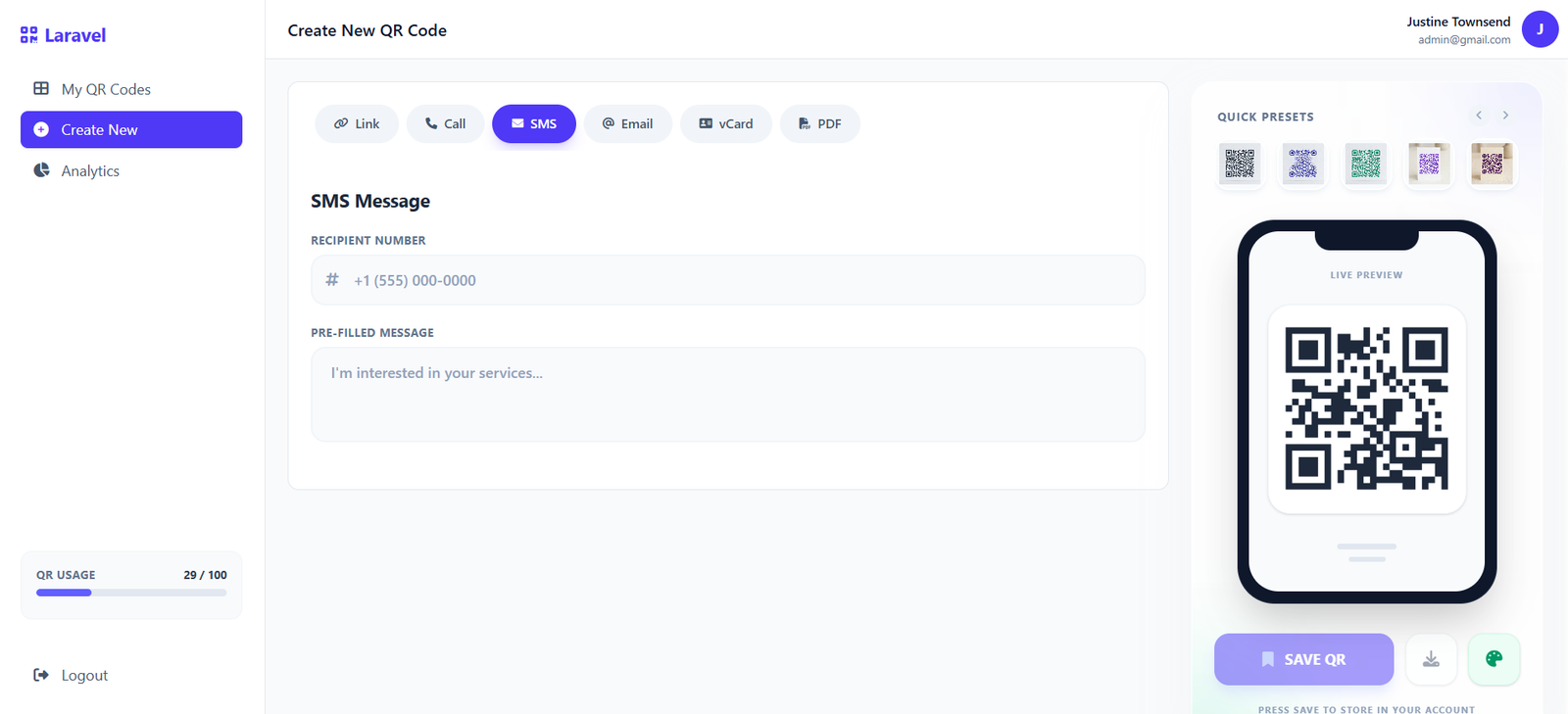
Intuitive Creation Interface
Design your QR codes exactly how you envision them. Our comprehensive builder gives you instant real-time previews as you tweak colors, patterns, and embed your brand's unique logo perfectly into the code.
- Change gradients and individual eye colors
- Multiple pattern styles (dots, rounded, square)
- Precision logo placement and sizing
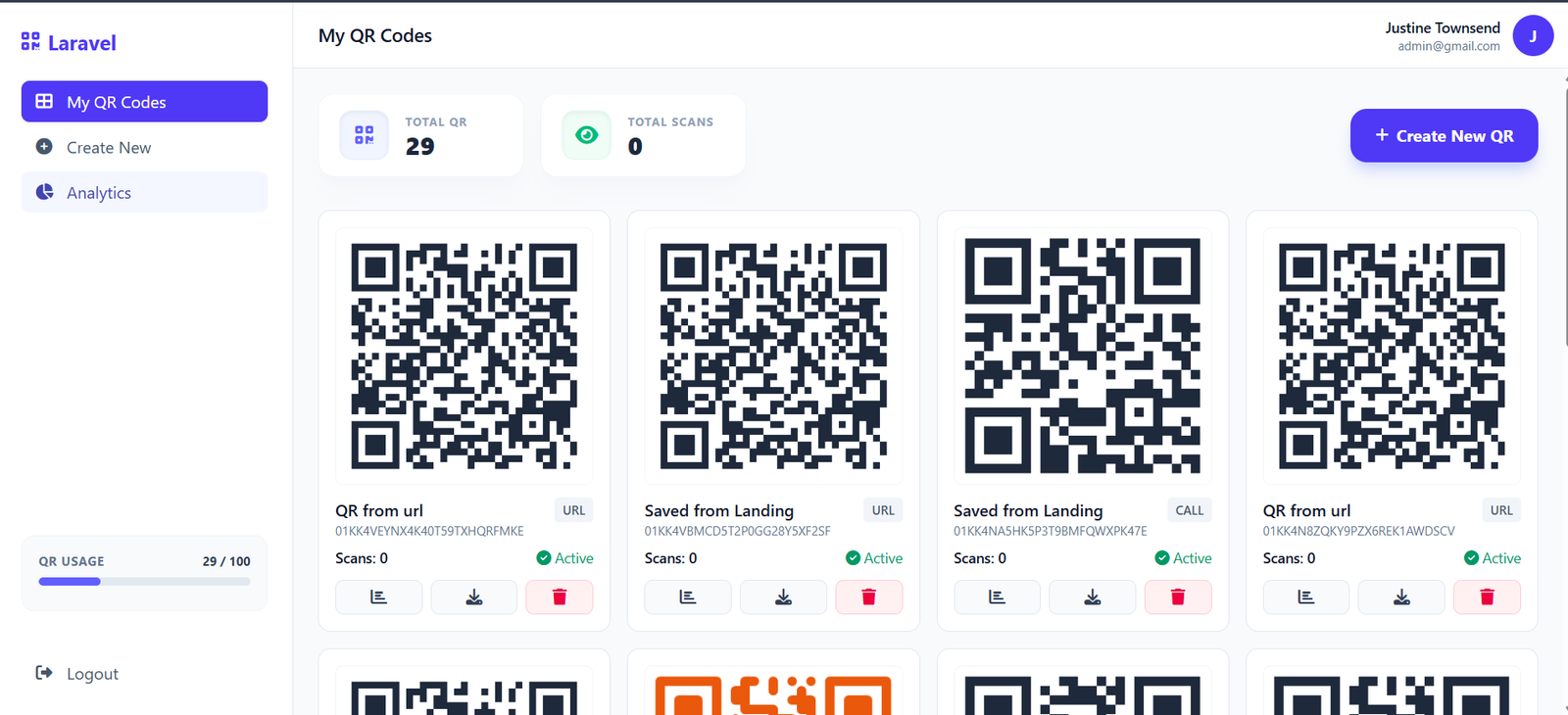
Manage Everything in One Place
Keep track of all your active campaigns effortlessly. Our organized dashboard provides an instant overview of your total scans, active codes, and allows you to quickly download, edit, or analyze any past QR code you've generated.
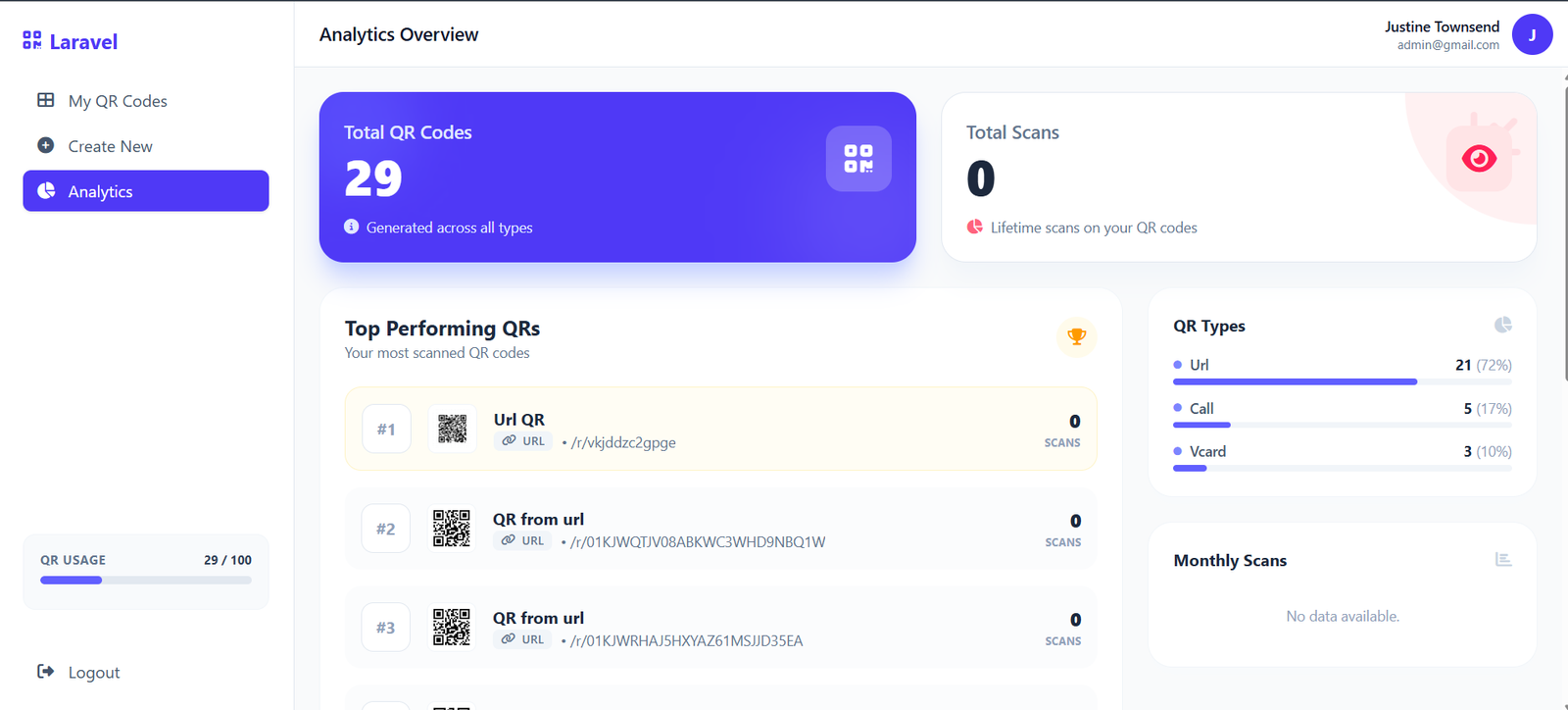
Detailed Performance Insights
Data driven decisions start here. Dive deep into the performance of individual QR codes with beautiful, easy-to-read charts breaking down scans by exact date and device type, so you know exactly who is engaging with your content.
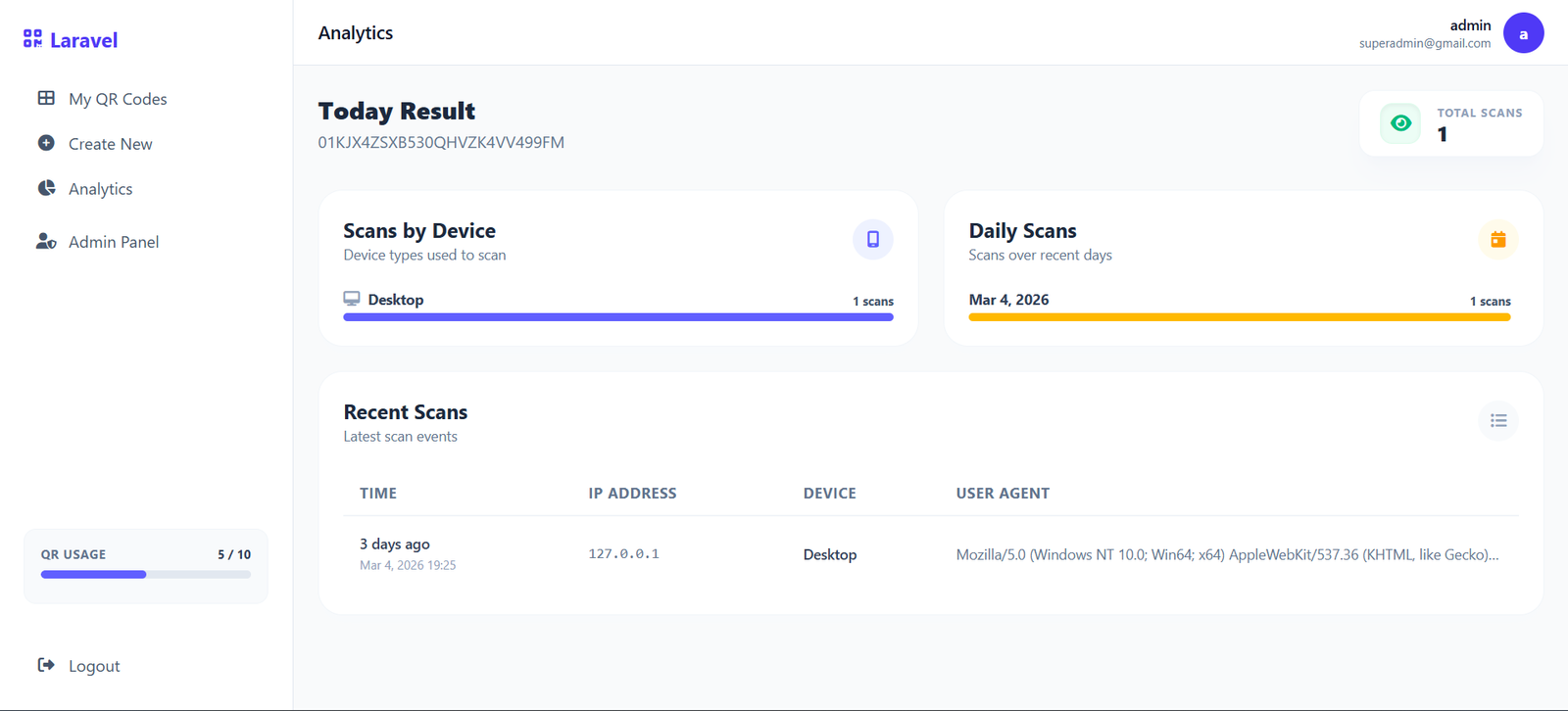
Real-Time Scan Logs
Never miss a single interaction. View a chronological log of every single scan event complete with exact timestamps, IP addresses, and User Agent details to verify traffic authenticity and monitor engagement as it happens.
Frequently Asked Questions
Everything you need to know about our modern QR platform.